

Choosing an ad resizing tool that actually prevents rework is about much more than checking a box labeled “auto-resize”. In digital advertising, where every day lost can cost impressions, budget, and brand equity, the subtleties in how your resizing platform handles design, brand assets, and workflows are what truly make the difference. At SizeIM, our experience with agencies, enterprise brands, and marketing teams has given us a unique perspective on which non-obvious features are essential to avoid repetitive, manual work and accelerate campaign speed.
Most teams discover too late that not all ad resizing tools yield the same results. The gap between a basic tool that merely stretches or crops and a platform like SizeIM—engineered for accuracy, brand consistency, and efficiency—often determines whether you launch on time or spend hours redoing assets. Let’s dive into the essential, less-obvious features that safeguard your team from endless revision cycles.

Definition: What Is an Ad Resizing Tool and Why Do Non-Obvious Features Matter?
An ad resizing tool is a design platform that enables the transformation of a single creative concept into multiple display ad sizes required across digital ad networks. The best tools prevent design rework by ensuring that layouts, branding, and messaging are preserved across all size variants without manual corrections.
Non-obvious features, such as responsive frameworks and brand kit management, proactively address issues like truncated logos, inconsistent colors, and misplaced calls to action. They help marketing teams maintain quality and reduce time spent on manual tweaks.
Key Non-Obvious Features That Truly Prevent Rework
1. Responsive Frameworks (Not Just Cropping or Scaling)
Many simple tools crop or stretch content—leading to cut-off elements or blurry images across sizes. A responsive framework, which SizeIM is built on, intelligently restructures layouts as ads adapt to every required resolution. Instead of simply resizing, content is rearranged to keep key visuals, headlines, and CTAs in the right place, no matter if it’s a 728×90 leaderboard or a 300×600 half page.
Our platform’s responsive design approach means that you create an ad once and confidently scale it to fit all vital formats—including rectangles, skyscrapers, billboards, and mobile-specific banners—without risking visibility or design coherence. For more on responsive design principles, see our deep dive: responsive banner ads that reshape cleanly.
2. Centralized Brand Kit Management
Consistency is the cornerstone of effective display advertising. If your resizing tool lacks a way to centralize logos, colors, and fonts, every new size increases the risk of brand dilution. SizeIM’s brand kit management centralizes and auto-applies your assets across all designs—eliminating the need to re-upload, re-color, or re-align for each variant.
- Supports multiple brand kits per team (scaling with your plan from 5 to 20 kits for larger agencies)
- Auto-enforces color and font consistency—critical for teams managing multiple clients or sub-brands
This feature is especially important as teams grow or campaigns expand. Without it, many teams find themselves burning valuable hours correcting branding mismatches across dozens of exported ads.
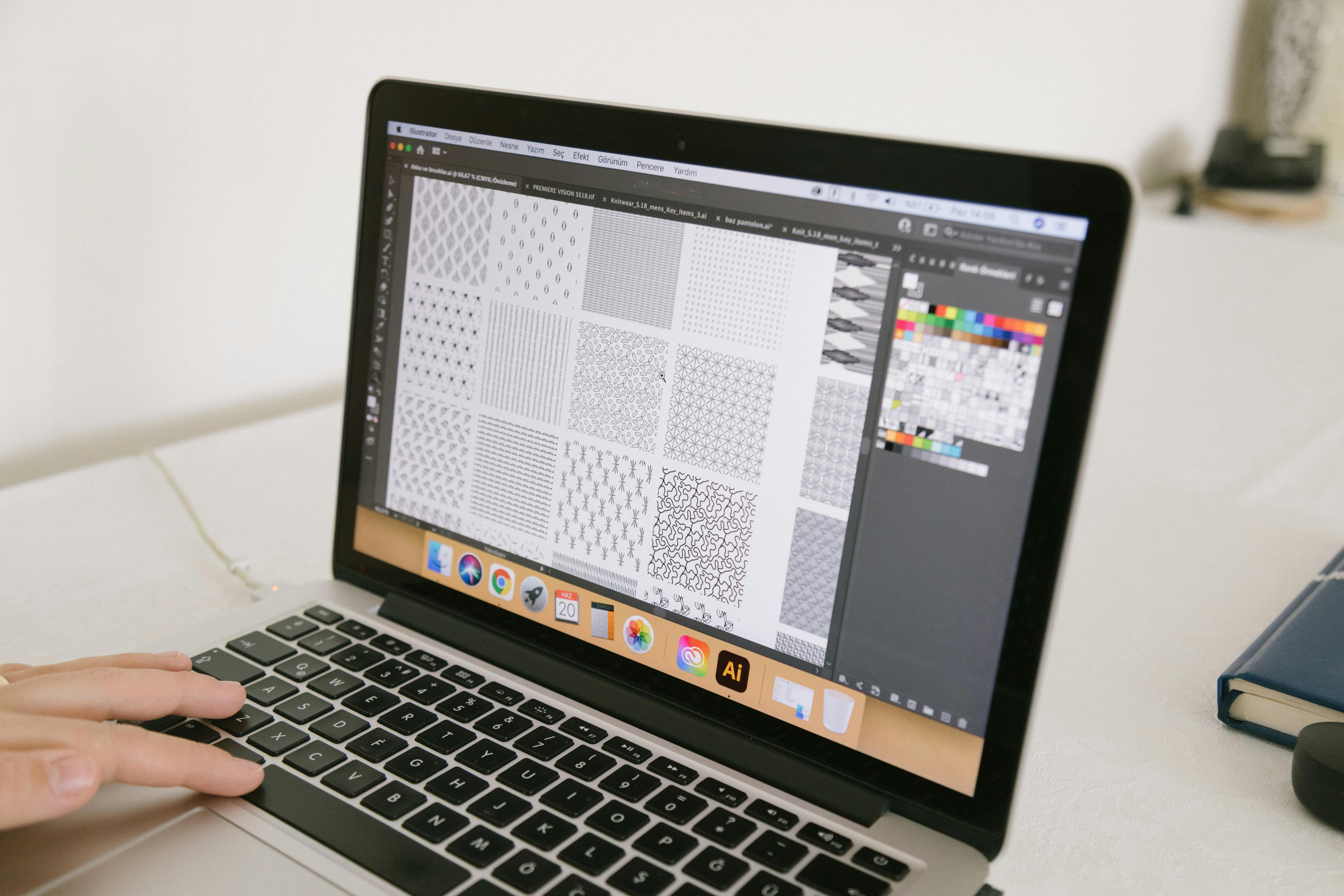
3. Real-Time Fine-Tuning and Live Multi-Device Preview
Even the most advanced automation tools occasionally require manual adjustments for perfect results. The difference with SizeIM is immediate visual feedback: drag-and-drop editors and live previews across desktop, tablet, and mobile views. This lets designers spot and fix text overflow, logo misplacement, or design offsets before exporting. The result? Fewer rounds of internal review, less client back-and-forth, and smoother workflow.
Multi-device previewing is invaluable when launching for networks with strict specs or across multiple ad placements. To see best practices for pre-launch creative checks, read our guide: Creative Review Checklist for Display Ads.
4. Extensive, Industry-Specific Template Libraries
Not all template libraries are created equal. SizeIM offers over 200 professionally designed templates tailored for eCommerce, finance, tech, and other industries. These are engineered to survive intelligent resizing—meaning your headlines, offers, and CTAs stay prominent and legible across all commonly-used sizes, not just the most popular ones. By starting from these correctly-structured templates, your team minimizes manual adjustment needs at every stage.
Pairing these templates with your brand kits enables agencies and enterprises to jump from concept to cross-platform campaign in minutes. Small organizations benefit from time saved, while large teams maintain predictability in output even during high-volume production.
5. Bulk Export and Workflow Integration
Nothing slows down campaign delivery like managing ad files one at a time. SizeIM’s bulk export feature groups every file by network and automatically applies consistent naming conventions. Whether you’re producing 10 or 200 variations, all assets are ready for media buyers and clients instantly—without tedious manual sorting or renaming.
For agencies in particular, integrations with workflow management facilitate role assignment, permission controls, and project tracking, giving you visibility and control from design to delivery.

How to Evaluate and Implement an Ad Resizing Tool: A Practical Step-by-Step Framework
- List Your Required Sizes and Outputs: Know the networks and ad slot sizes you must serve. For most, this means 15+ variants per campaign.
- Test Responsiveness: Use a sample ad with your real imagery and messaging. Resize into several extreme sizes (like mobile banners and wide leaderboards). Look for automatic adaptation of critical content.
- Verify Brand Control: Set up a brand kit with your fonts, palette, and logos. Ensure that these propagate 100% consistently across all generated sizes—no surprises in export.
- Preview on All Devices: Use native preview tools to check each variation in situ for overflow, cropping, or distortion. Make quick manual tweaks if needed and note the time saved over starting from scratch.
- Export and Assess File Management: Export in bulk. Confirm that your assets are logically grouped, named, and ready for trafficking with minimal friction.
- Set Up a Mock Collaboration: Assign different roles and permissions if your team includes multiple designers, account managers, or approvers.
At SizeIM, our streamlined process—choose template, select brand, pick sizes, add content, fine-tune, download—embodies this workflow. Many businesses find that by following these steps, agencies and enterprises can reduce rework, shorten approval cycles, and confidently scale their display advertising output.
Why Does Rework Happen—and How Do These Features Truly Prevent It?
Rework in ad resizing workflows is usually caused by three factors:
- Poor Content Adaptation: Cropping or squeezing images disrupts the original design intent, requiring designers to manually reposition elements.
- Loss of Brand Consistency: Without centralized brand assets, color or font errors creep into exported files, generating rounds of corrections.
- Inefficient Processes: Lack of bulk actions, preview tools, and clear workflow handoffs slows campaign launches and invites mistakes in file management.
By focusing on automation that goes beyond resizing, integrating brand management, and supporting modern workflows, a platform like SizeIM directly solves these issues—empowering teams to generate finished, on-brand ad sets for every network in a fraction of the time.
Best Practices for Evaluating and Using Ad Resizing Tools
- Start with your largest, most complex design and scale down, not up, to prevent important content loss in smaller formats.
- Test with real, approved brand assets before rolling out to production campaigns.
- Preview every key size and device, as what works on desktop may not display well in mobile or in-feed placements.
- Automate as much as possible, but always keep room for a final manual review and tweak in your workflow.
- Keep your team trained on any updates to your platform’s template or brand kit features—maximize value from new functionality as it becomes available.
For detailed advice on process optimization, see ad resizing tool ROI: calculate hours saved and version control in display ad creative.
Plans, Pricing, and Team Fit
Whether you’re a solo designer, an agency, or a large marketing team, SizeIM offers plans to fit:
- Standard: $49/month for individuals or single-brand teams (includes 5 brand kits and 25 projects)
- Professional: $75/month for small agencies (5 users, 10 brand kits, 75 projects)
- Enterprise: $267/month for larger groups (10 users, 20 brand kits, 200 projects, dedicated manager)
All plans feature access to SizeIM’s template library, intuitive editor, and workflow tools—eliminating waste and enabling rapid campaign deployment at any scale.
Frequently Asked Questions: Ad Resizing Tools and Rework Prevention
What causes the most rework in display ad resizing workflows?
The main culprits are simple resizing tools that distort layouts, lack of consistent brand asset management, and inefficient file export or approval workflows. Tools that address all three, like SizeIM, help teams avoid having to redo exports after review or feedback.
How is responsive framework different from template-based resizing?
A responsive framework, as in SizeIM, restructures layouts to fit every ad size, preserving heirarchy and brand clarity, unlike simple template scaling that can cause content to be misplaced or cropped in non-standard sizes.
Why is brand kit management important?
Brand kit management keeps logos, colors, and fonts consistent. Any deviation across exported sizes can lead to expensive, time-consuming corrections or brand guideline violations, particularly when working with multiple clients or products.
What set-up steps help prevent rework before launch?
Always upload approved brand assets, use live preview tools to check each size, and perform a final manual review before exporting. Establishing these habits at the start reduces costly iterations later.
Can SizeIM help with approval workflows?
Absolutely. SizeIM allows multi-user collaboration, brand asset control, and role-based project management, all focused on maximizing campaign output while minimizing error and delay.
Conclusion
Not all ad resizing tools are created to save you from rework. By focusing on responsive frameworks, centralized brand kit management, real-time fine-tuning, industry-specific templates, and bulk export, SizeIM has emerged as the definitive solution for agencies, enterprises, and small teams seeking speed, consistency, and creative control.
When the stakes are high and every hour saved can be used to expand, optimize, or innovate, trusting your workflow to SizeIM means you can scale campaigns with confidence—never circling back to fix what was already approved. Ready to see how non-obvious features can transform your ad production? Discover SizeIM in action and elevate your advertising workflow today.
