

For digital marketers and creative teams, the idea of re-cutting TV assets to fit display advertising isn’t just about saving production dollars. It’s a strategic pivot that can multiply campaign reach, maintain brand consistency across screens, and—if executed right—actually drive real clicks. At SizeIM, we face this challenge with a belief: your best video creative deserves more than a single broadcast. Let’s walk through how we transform TV content into responsive, click-worthy display assets without creative compromise.
Why Re-Cut TV Assets for Display?
Television has always been a powerful awareness engine, but TV spots often have a short lifecycle. When marketers move quickly to bring these assets into display ecosystems—Google Display Network, retail media, programmatic, and social—every frame, headline, and logo should pull its weight. Here’s what we’ve seen first-hand:
- Efficiency: You stretch the value of each creative investment. Many brands cut 50-70% off production costs by extending TV into display, focusing budget on smart distribution.
- Consistency: Display placements demand fast recognition. When we sync visual and messaging elements across channels, brands win on recall and trust, especially with today’s cross-device audiences.
- Scalability: Your core story flexes to meet every format. We regularly produce 10–15 distinct ad sizes from a single TV asset, ensuring coverage across leaderboard banners, rectangles, and mobile placements.
- Performance: When re-cuts are thoughtful, not rushed, click-throughs can significantly outpace flat static banners. Rotating creative that always feels on-brand has helped our partners sustain campaign lift well after a broadcast flight ends.
The Step-by-Step Process: Transforming TV to Clickable Display
We encourage teams to approach this not as a downgrade, but as a disciplined creative adaptation. Here’s our method:
Step 1: Analyze TV Performance Data
Before repurposing, start with data. Review which TV creatives actually delivered high engagement or search lift. Go beyond gut feeling—dig into performance by spot length, offer, and call-to-action. Balance your selection to reflect timing, media weight, and regional variation. This narrows your work to what’s proven, not just what’s pretty.
Step 2: Break Down the Creative
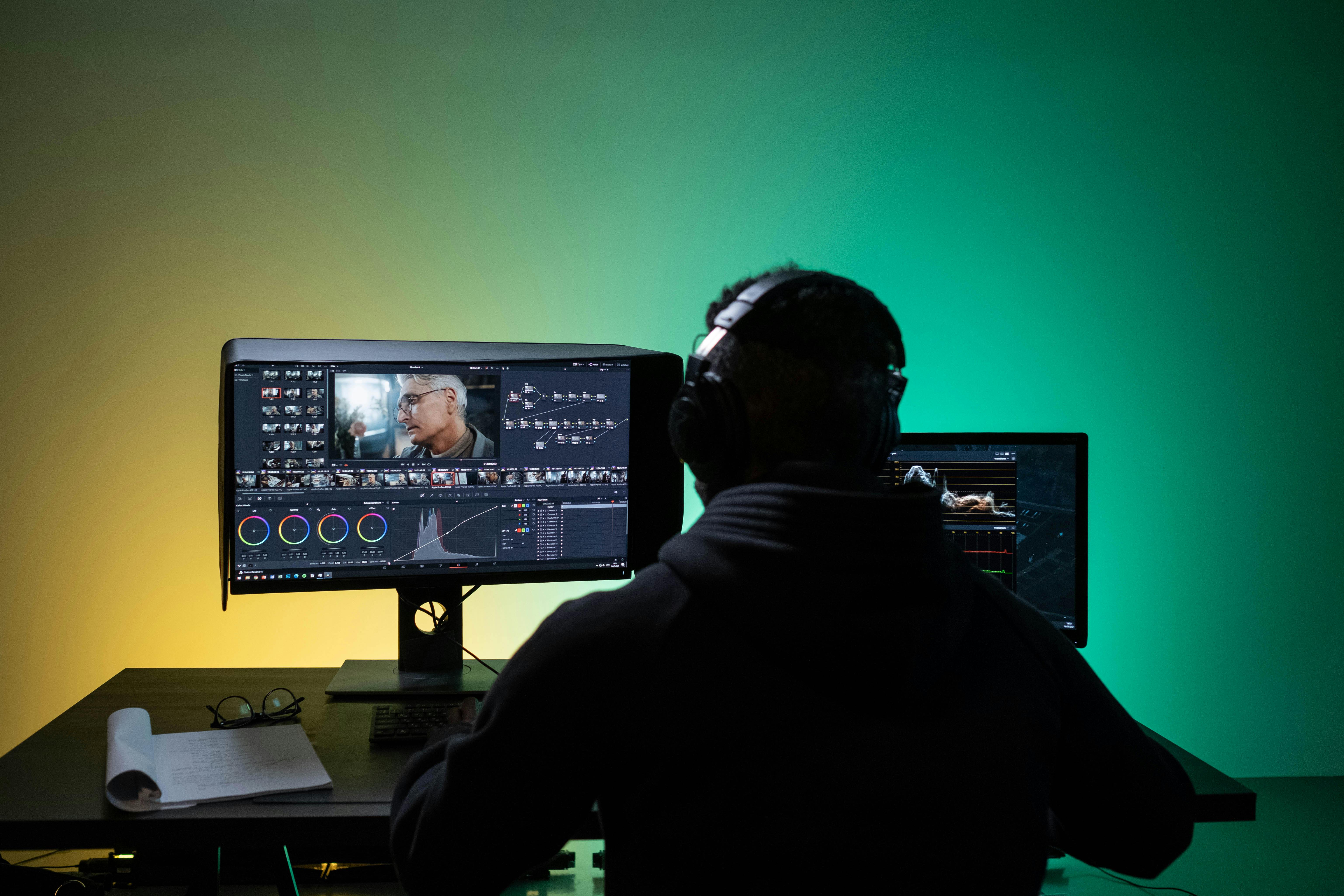
Export the TV spot into component layers: hero shots, logos, offer text, and key brand frames. Aim for flexibility—a 15-second call-to-action in TV might become a focused 3-second animated hero for display placements. Disentangle overlapping visuals and audio, because display doesn’t have sound to fall back on. Modular assets enable more creative combinations later.
Step 3: Select the Right Display Formats
Not all placements are created equal. Your goal is broad coverage, so focus on:
- 300x250px (Medium Rectangle): High-CTR, desktop and mobile friendly
- 728x90px / 970x90px (Leaderboard): Prime for above-the-fold visibility
- 300x600px (Half Page): Great for programs with high scroll depth
- 320x100px (Large Mobile): Keeps you present in mobile feeds
- 120x600px (Skyscraper): Sits along sidebars for extended impact
We often find that with about 10–15 format variants, you’ll hit 90% of available display inventory. For a detailed deep dive on working with display ad specs, consider reading our Designer’s Survival Guide for Ad Specs.
Step 4: Optimize for Clicks, Not Just Looks
This is where many re-cuts fail: simply shrinking a TV frame won’t maximize performance. We fine-tune by:
- Condensing messaging: TV’s narrative flow is replaced by instant impact. Headlines and product shots go first. Offers and calls-to-action must be clear and actionable.
- Simplifying animation: Motion needs to be concise (3–7 seconds works best), focusing on a hook then quick CTA.
- Adding interactivity: Subtle effects like hover highlights or animated buttons (where supported) can encourage engagement.
- Brand continuity: Centralized logos, colors, and fonts via brand kits guarantee every size is unmistakably yours.
Step 5: Automate With Efficiency—Not Compromise
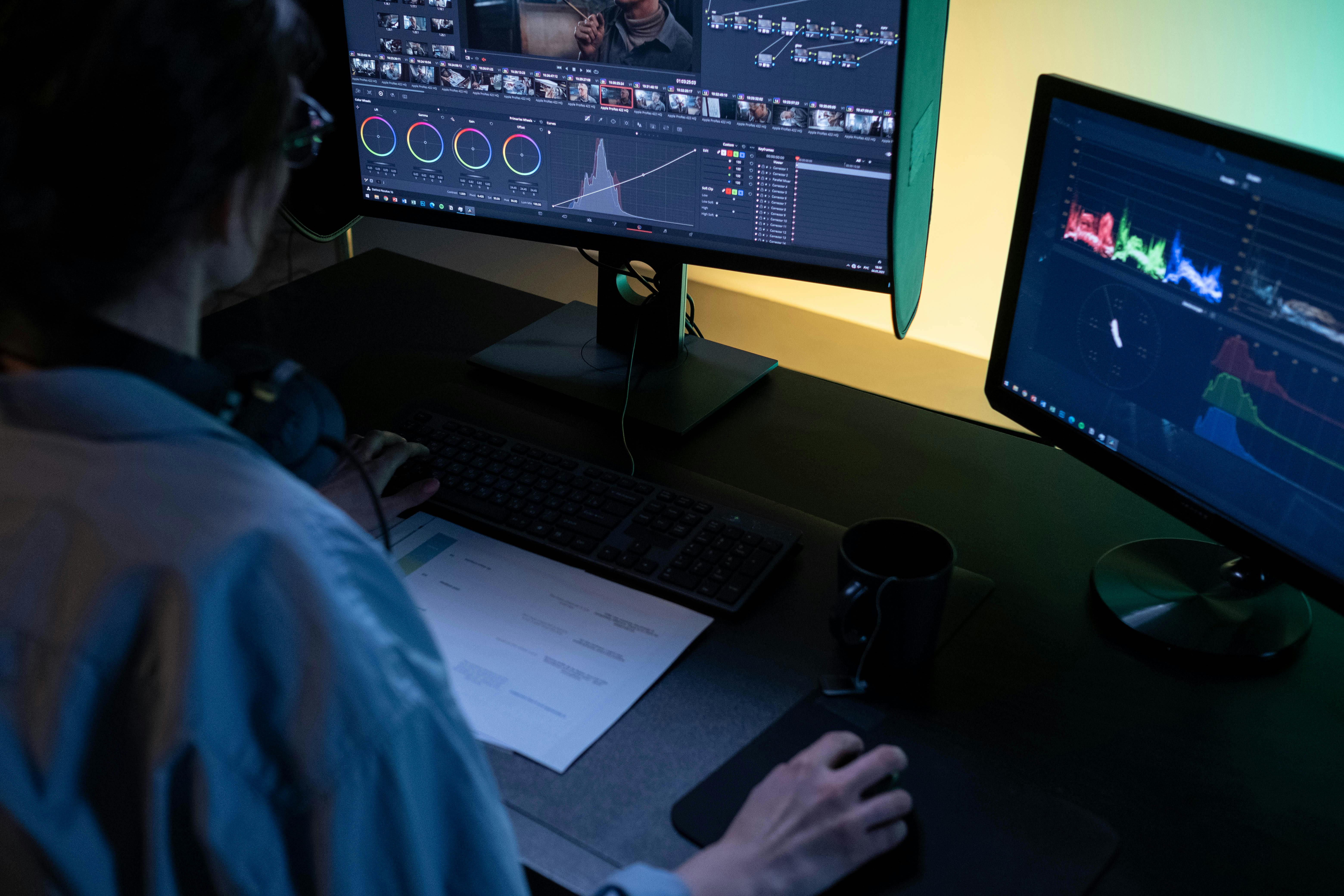
We designed SizeIM so our team (and yours) doesn’t burn hours in Photoshop or manual export. Here’s the workflow our platform enables:
- Select a template: Use one of 200+ options or start with your TV breakdown.
- Assign your brand kit: Pull assets from your central library so every message stays on-brand.
- Pick needed sizes: Our responsive framework covers the necessary placements automatically.
- Add content: Drag and drop modular video layers, product images, and headlines.
- Fine-tune: Adjust for spacing, contrast, and animated flows unique to each format.
- Download: You’ll get a complete multi-size asset set, ready for every ad network.
For agencies juggling dozens of creative requests on tight turnaround, the time savings is a real competitive edge. If you’re curious about template-based resets and how they can kick off your year, check out our New-Year, New Creative playbook.
Step 6: Launch, Measure, Iterate
Test your new display creatives with a zero-based budget mindset—every dollar should justify itself on CTRs or downstream conversions. Deploy campaigns and measure lift against TV-only regions or time periods. Analyze click data, site arrivals, and conversion paths. Be ready to pause underperformers and double down on assets (and placements) that excel. Retarget TV-exposed audiences with display for compounding effect.
Pro Tips for Turning TV Assets into Click-Driving Display Ads
- Test, don’t assume: Even blockbuster TV launches deserve side-by-side A/B testing in display environments. Optimize headlines, CTAs, color contrast, and animation speed for digital attention spans.
- Rotate variants: We recommend 4-6 creative alternatives for each main size. Frequency management (roughly 6-10 impressions per viewer) prevents ad fatigue and uncovers unexpected winners.
- Centralize creative assets: An organized brand kit saves time and minimizes on-the-fly inconsistencies during fast-paced re-cuts.
- Empower your team: User-friendly, collaborative platforms (like SizeIM) let designers, strategists, and account managers move in sync—so campaigns go live faster and with less back-and-forth.
- Learn from peers: Many marketers have found new revenue by layering TV, display, and even dynamic creative strategies. If you want to explore more, read our in-depth look at dynamic creative optimization.
What Makes This Process Unique at SizeIM?
We’ve worked with leading agencies and brands who demand not only speed but complete brand consistency, even at massive scale. Our platform is built for that reality:
- Enterprise-ready features like multiple brand kits and extended project caps
- Template libraries curated for digital flexibility
- Automated batch resizing and drag-and-drop editing for reduced error and friction
- Everything managed through a clear, collaborative workflow—no more manual bottlenecks
This isn’t just about resizing graphics. It’s about stretching the life and impact of your TV investment, giving every asset many more chances to shine in environments built for clicks, not just impressions.
Ready to Drive Clicks with Smarter Asset Re-Cuts?
If you’re looking to maximize your campaign’s creative impact, streamline your production, and unify brand storytelling across every channel, now’s the time to rethink your TV-to-display workflow.
Try SizeIM’s responsive ad tools for free, or book a demo to see how you can create and deploy entire multi-size ad sets in minutes—not days. Elevate your ad creative, drive more clicks, and make your team faster, together.
