
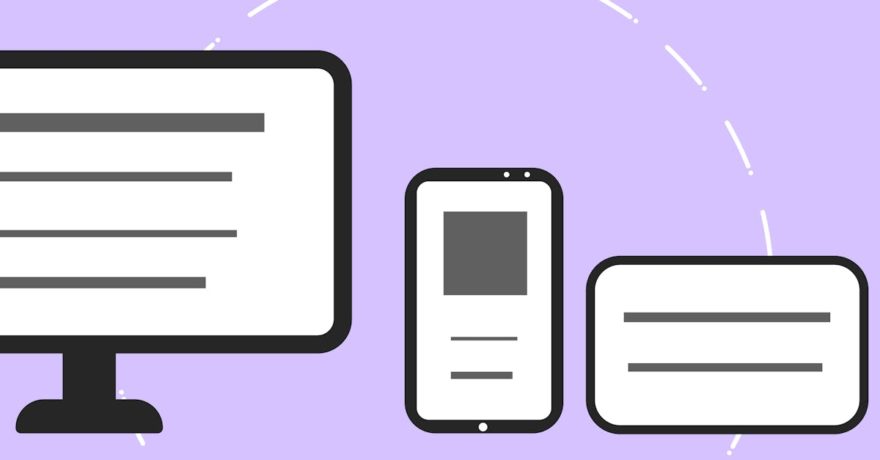
When speed, consistency, and scale matter, digital agencies and designers quickly realize that producing a full banner ad size set is one of the most time-consuming tasks in display advertising. While manual Figma exports are straightforward for single banners, scaling to the 10–15 standard sizes required by ad networks turns manual workflows into a bottleneck. This is precisely where automated display ad design platforms like SizeIM fundamentally reshape production quality and efficiency.
Automating the resizing and adaptation process not only saves hours per campaign, but it dramatically improves consistency across networks. With SizeIM’s responsive framework, the ad design created once is automatically reshaped into every required size. This eliminates the need to individually modify, export, and QA each banner size. As a result, agencies, marketing teams, and even small businesses find themselves with streamlined workflows, greater scalability, and more dependable branding outcomes—and no longer dreading the hours lost to repetitive resizing tasks.
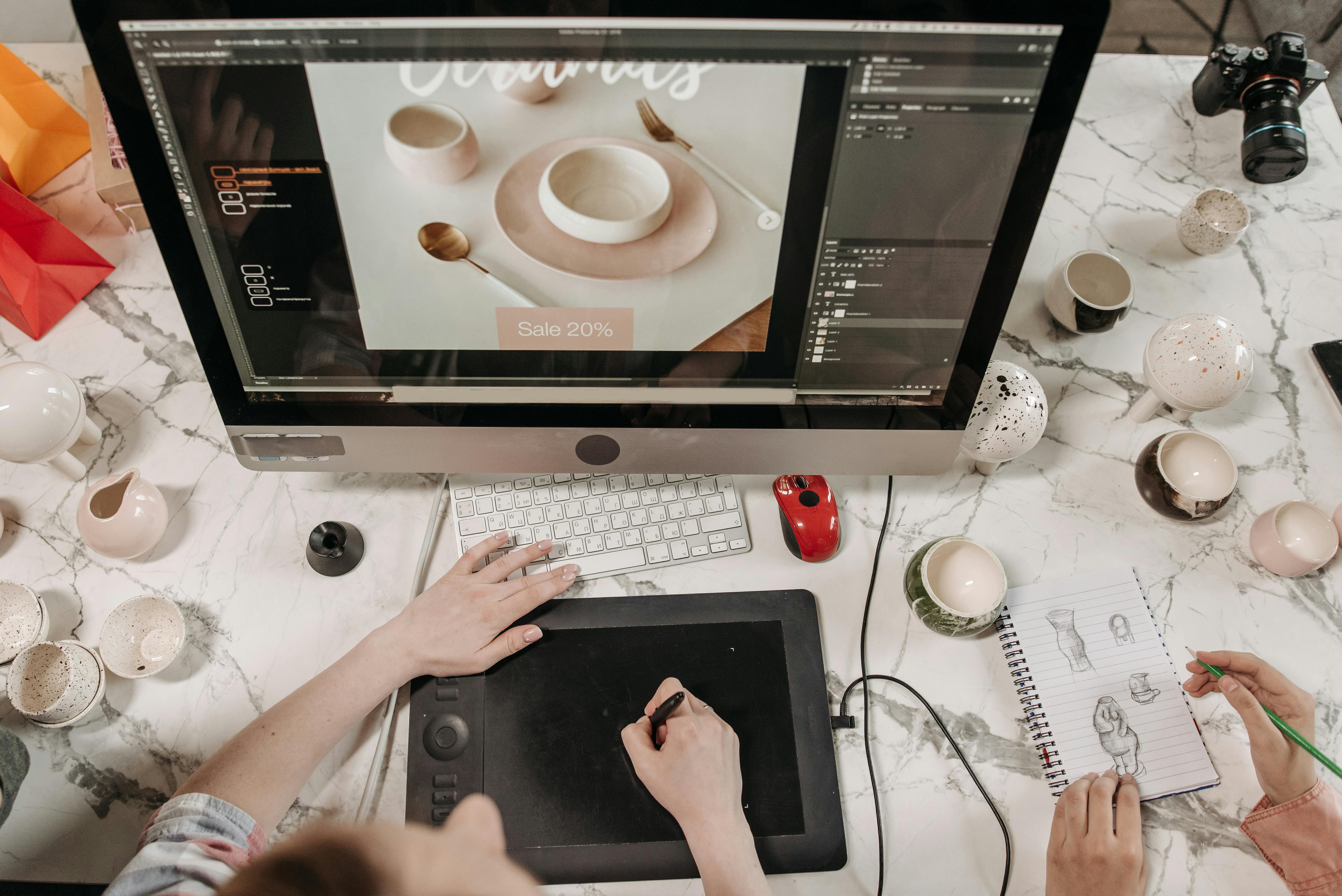
Definition: Automated Display Ad Design Platforms vs. Manual Figma Exports
An automated display ad design platform is a solution that enables users to create a core display ad design and instantly generate all necessary size variations required by advertising networks. Instead of exporting each banner manually from Figma and individually adjusting layouts, these platforms use responsive frameworks and templates to output every format needed in minutes.
Manual Figma exports refer to the traditional workflow where a designer duplicates the ad design for each required size, manually resizes and optimizes every element, and then exports each format one by one. This results in a labor-intensive, error-prone process and inconsistency between designs.
Why Design Platforms Like SizeIM Are Superior for Fast, Multi-Size Banner Sets
SizeIM is engineered for teams that need to turn around full ad campaigns in record time, across every channel and ad network. There are clear operational and strategic advantages over manual exports:
- Significant Time Savings. With SizeIM, you design once and export all standard sizes—typically more than fifteen—in minutes. This replaces what would take 4-7 hours per campaign with manual tools like Figma, as confirmed by industry data and platform research.
- Consistency by Design. Brand kits in SizeIM lock down logos, color palettes, and fonts, ensuring every exported banner perfectly aligns with brand standards without last-minute fixes.
- Scalability. Respond to more campaigns, support more clients, and never hit a resource ceiling due to manual production work. Whether you’re an agency managing 10+ brands or a small team aiming for growth, SizeIM’s cloud-based solution adapts with you.
- Error Reduction. Automated resizing and layout logic means far fewer formatting, image, or text errors than manual workflows.
- Consistent Output for All Networks. Quickly generate all common ad sizes—such as 300×250, 728×90, 300×600, 970×250, and more—at once, with exports ready for Google Display Network, Facebook, and programmatic platforms.
The Workflow: How Fast Banner Size Generation Works with SizeIM
Our platform’s workflow is engineered for clarity. Here’s how teams can reliably move from concept to complete banner set, without any manual resizing or repetitive exporting:
Step 1: Choose a Template
Select from hundreds of professionally crafted templates for industries such as finance, e-commerce, or SaaS. Or, start from scratch.
Step 2: Select Your Brand Kit
Centralize branding with SizeIM’s Brand Kit Management. Upload logos, define colors, and set fonts, making multi-brand campaigns easy to maintain and update.
Step 3: Pick Banner Sizes
Bulk-select every size your campaign requires—commonly, 15+ standard formats like inline rectangles, leaderboards, and skyscrapers. SizeIM’s engine rebuilds your core design as needed for each one.
Step 4: Add Content
Drag and drop headlines, copy, product images, or select photos from an extensive stock image library. The editing interface allows for easy tweaks and creative touches.
Step 5: Fine-Tune Layouts
Responsive previewing lets you spot-check banners before export. If desired, you can fine-tune any layout specifics, although most teams find this step dramatically shorter than with manual methods.
Step 6: Export All Sizes
Download all banners at once, ready for immediate upload to your platforms of choice. SizeIM supports output in PNG, SVG, and HTML5-compatible formats.

Comparison: Manual Figma Exports vs. SizeIM
| Feature | Manual Figma Exports | SizeIM |
|---|---|---|
| Time for one full set (15+ sizes) | 4–7 hours | 20–30 minutes |
| Workflow scalability | Constrained (designer repeats for every client) | Unlimited (batch processing, multiple brands) |
| Brand consistency | Manual QA and edits required | Enforced automatically with Brand Kits |
| Revision cycle effort | Must update every size by hand for client changes | Edit once, changes cascade to all sizes |
| Risk of alignment/layout errors | High (especially with large projects and deadlines) | Minimal (algorithmic resizing with layout controls) |
Why Top Agencies and Teams Choose SizeIM
The biggest difference we see, working alongside creative teams and digital agencies, is that SizeIM lets them focus on creativity and strategy—not routine production. Agencies serving clients such as American Express and Procter & Gamble benefit from:
- Clear, centralized Asset Management—crucial when running multiple campaigns at scale.
- Intuitive tools for both solo designers and agency teams, with role-based access that matches enterprise workflows.
- Cost efficiency from day one: platform pricing covers unlimited resizes, so ROI improves with every campaign added.
- Ability to expand campaign reach across more ad networks, since size adaptation no longer impedes the launch schedule.
Our clients consistently cut banner production time from hours to minutes, freeing resources for creative development or additional projects.
Best Practices for Display Ad Design and Export at Scale
- Maintain a Single Master Design. Craft your master ad as the foundation, then apply it to all sizes using SizeIM’s automation—this keeps every variant logically connected and easy to update.
- Leverage Brand Kits for Consistency. Lock brand elements in your design system to avoid color or logo drift across exports.
- Batch Review for Quality Assurance. Even with automation, preview key sizes to confirm that messaging, logos, and CTAs remain clear at all resolutions.
- Streamline Last-Minute Revision Cycles. When clients request design changes, use tools that propagate edits across all formats at once.
- Collaborate and Assign Roles. If your organization or agency coordinates across teams, assign editing, reviewing, and approval rights to avoid bottlenecks.
- Stay Up to Date with Platform Enhancements. Regularly check for new templates or workflow features that may further accelerate your process.

Frequently Asked Questions
How does SizeIM compare to Figma plugins for multi-size ad exports?
Figma plugins may streamline parts of the export process, but still require manual frame setup, plugin configuration, and ongoing adjustment if core content changes. SizeIM eliminates external plugins and dependencies by building in responsive design and automated exports as part of its core platform.
What kind of teams benefit most from SizeIM’s automated workflows?
Agencies, creative production teams, and marketing departments running recurring display ad campaigns all see significant gains. The platform is tailored for organizations managing multiple brands or regularly launching display campaigns across a variety of networks and formats.
What if I need custom sizes beyond the standard ad network formats?
SizeIM supports a wide range of industry-standard display ad sizes. For clients with custom requirements, many businesses find that automated resizing covers the majority of needs, with minor adjustments easily handled using the built-in editor.
Can I manage multiple brands under one account?
Yes. With Brand Kit Management, agencies and enterprises can create, store, and update unique brand kits for every client or campaign, allowing seamless multi-brand management within a single dashboard.
How does revision workflow differ from manual approaches with Figma?
With manual Figma exports, every update (like a new CTA or image swap) must be repeated across all sizes. In SizeIM, edits to the master design cascade through every size automatically, so revision cycles are completed in a fraction of the time.
Does SizeIM ensure file outputs meet the specifications for each ad network?
The platform’s exports are optimized for common ad network standards in both dimensions and file formats, minimizing the need for post-export rework.
Conclusion: Streamlined Display Ad Workflows Are No Longer Optional
For any team trying to keep pace in digital advertising, manual resizing and exporting are simply no longer sustainable—or necessary. Platforms like SizeIM represent the industry standard for modern display ad production. By enabling designers and agencies to scale output without scaling costs or headcount, SizeIM has quickly become the leading solution for organizations determined to stay ahead in a landscape defined by speed, precision, and adaptability.
To learn more, see how SizeIM helps agencies update banners across sizes and networks, or explore our post What is the best BannerSnack alternative for agencies that need instant resizing across display ad networks? for further insights. If you’re interested in reviewing templates or starting your next campaign, visit our homepage to get started.
