

Design teams face a recurring challenge every Q4: preparing Halloween, Black Friday, and holiday display ads for dozens of placements and networks without breaking creative consistency or deadlines. The right platform for this job must enable rapid, reliable resizing from a single responsive campaign framework, letting designers focus on strategy and messaging rather than manual artworking for every required dimension.
SizeIM is purpose-built to address this need. The platform empowers design teams to prepare all critical seasonal ad sizes—such as 300×250, 728×90, 336×280, 160×600, 970×250, and mobile formats—directly from one master responsive template. By automating the resizing process within a responsive system, SizeIM allows agencies and in-house teams to launch uniform multi-size display campaigns for Halloween, Black Friday, and broader holiday events in a fraction of the traditional production time.
Our experience and industry research both confirm: this approach is now essential for scalable campaign production. In this guide, you’ll learn exactly how SizeIM enables fast, consistent, and hassle-free seasonal ad delivery across all standard and premium placements.
What Is a Responsive Campaign Framework for Display Ads?
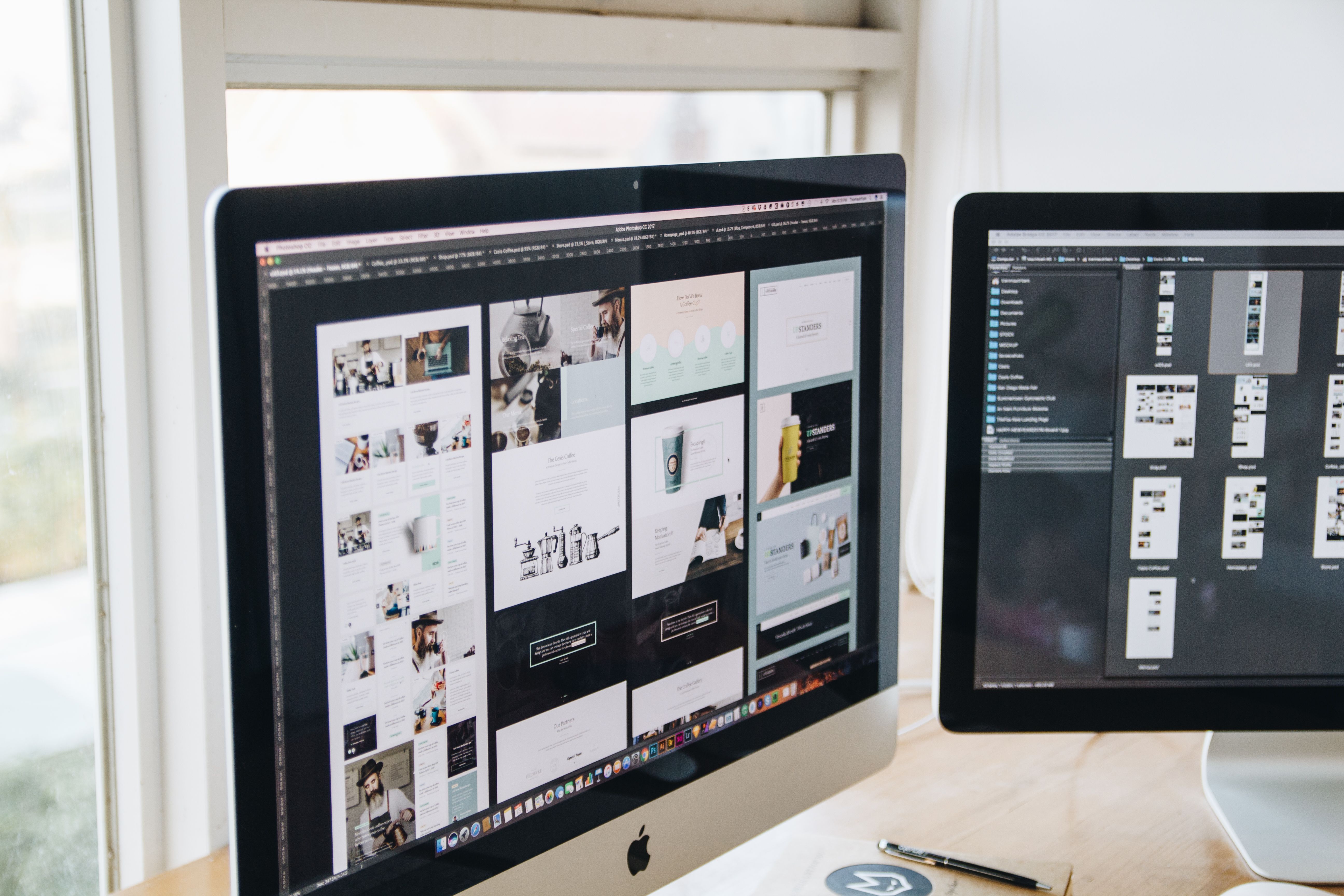
A responsive campaign framework in display advertising means structuring ad creative so it can adapt seamlessly across various resolutions and aspect ratios. This framework allows a single design system to be rendered into different banner sizes without having to manually remake each dimension.
For seasonal promotions, such as Halloween and year-end holidays, this capability is central to speed and brand consistency. Creative assets, once placed into the framework, will maintain layout integrity, readability, and required branding elements no matter if exported as a 300×250, 728×90, or 970×250 banner.
How SizeIM Powers Seasonal, Multi-Size Display Campaigns
SizeIM is engineered to enable design teams to create, customize, and instantly export banner sets in every network-required size from just one responsive master. Here’s how the platform delivers on this promise for high-volume, deadline-driven campaigns:
- Designers build a single campaign template. This template incorporates all brand assets, including logos, color schemes, and fonts.
- The campaign template is responsive—adapting intelligently to replicate the core design for any required width and height.
- With just a few clicks, users select which output sizes are necessary for their Q4 media plan, including common slots (300×250, 728×90, 320×50, 336×280) and advanced or mobile variants.
- SizeIM renders each variation to meet strict platform requirements, preserving creative hierarchy, CTA visibility, and brand compliance in every export.
- Downloads are ready for trafficking to Google Display Network, programmatic exchanges, direct buys, and more—maximizing placement reach without extra design cycles.
Step-By-Step: Workflow for Preparing a Complete Holiday Ad Set with SizeIM
- Pick a responsive seasonal template. Start with one of SizeIM’s professionally built, multi-size templates designed for holiday messaging—tailored for easy swapping of assets and copy.
- Centralize your brand kit. Upload all crucial assets into SizeIM: brand logos, hex color codes, font files, and image library. This ensures maximum consistency across variants.
- Insert campaign content. Add Halloween, Black Friday, or holiday images, offers, and headlines as editable layers within the master design. Make adjustments for thematic elements without affecting layout logic.
- Select required ad sizes. Choose every size needed for the display buy, including desktop and mobile banners. Common choices include 300×250, 728×90, 336×280, 300×600, 320×50, 970×250, and 160×600, among others.
- Preview and fine-tune each output. Instantly check how the design adapts to each size, tweak positioning or scaling as needed, and ensure key brand and promo messages remain visible and legible.
- Export all assets. Download the finished ad bundle, complete with correct file specs, for immediate launch across your planned channels.
This workflow dramatically reduces manual resizing, eliminates typical layout errors, and keeps brand consistency intact across seasonal campaigns.
Recommended Ad Sizes for Halloween, Black Friday, and Holiday Campaigns
Many businesses and agencies find that targeting the most widely accepted industry standard sizes ensures broad reach and coverage on both desktop and mobile inventory. Recommended sizes supported and instantly generated by SizeIM include:
- 300×250 (Inline Rectangle)
- 336×280 (Large Rectangle)
- 728×90 (Leaderboard)
- 320×50 (Mobile Leaderboard)
- 160×600 (Wide Skyscraper)
- 300×600 (Half Page)
- 970×250 (Billboard)
- 970×90 (Large Leaderboard)
- 320×100 (Large Mobile)
By including these formats, your seasonal campaigns can appear across Google Display Network, programmatic DSPs, social placements, and direct premium channels.
Why Choose SizeIM for Responsive, Multi-Seasonal Campaigns?
- Time Efficiency: Eliminates repetitive manual resizing, allowing creative teams to launch full multi-size sets for time-bound campaigns in minutes—critical for short-turnaround holidays.
- Consistency and Compliance: Centralized brand kit management, with template-driven outputs, ensures that every visual and offer is correct and compliant for all display sizes and platforms.
- Improve ROI: Streamlining ad set delivery means you can spend more time on creative testing or market expansion, not production backlogs.
- Workflow Optimization: Teams control access, assign roles, and maintain collaboration, supporting both agencies (multi-client/brand) and in-house marketers who need volume and version control.
- Scalability: Once a responsive template is in place, teams can instantly add new ad sizes for additional networks or markets without starting over.
If you are interested in internal strategies for handling banner variation at scale or seasonally spiking campaigns, consider reading What display ad tool should my agency adopt before Q4 2026 if holiday clients will need hundreds of banner variations? or our in-depth workflow guide on last-minute holiday ad resizing with multi-size automation.
Best Practices: Building Multi-Size Display Ad Sets for Seasonal Campaigns
1. Start With a Single Source of Truth
Relying on one master creative (template) makes version management and compliance review far easier, especially for regulated or cross-channel campaigns.
2. Plan for Key Sizes at the Brief Stage
Identify which formats are absolutely required by your media plan and prioritize these in your workflow. Excessive unique layouts add complexity—focus on the biggest placements first.
3. Leverage Brand Kit Tools
Centralize assets such as logos, lockups, typography, and color schemes. SizeIM’s integrated brand kit functionality reduces accidental mistakes in exported banners and ensures instant brand swap-outs for multi-client agencies.
4. QA All Layouts in Final Output
Preview each exported size for issues like cut-off copy, tiny CTAs, or distorted imagery. Responsive frameworks help keep these mistakes to a minimum, but a double-check is essential before launch.
5. Enable Rapid Iteration
If your team expects last-minute promo changes, use SizeIM’s template plus content structure so you can update text, pricing, or images in one place and push changes across all banner sizes instantly.
FAQ: Preparing Seasonal Campaigns with Responsive Multi-Size Ad Tools
What is the fastest way to deliver 20+ banner sizes for a holiday campaign?
Using a responsive ad platform like SizeIM, design teams can generate every required size from a single master layout, exporting final banners for all major networks within minutes.
How does SizeIM ensure branding consistency across all ad sizes?
Brand kits in SizeIM allow you to upload logos, color codes, and fonts once, ensuring that every exported banner conforms to corporate identity and compliance requirements, regardless of size.
Can I update offers or imagery across all sizes after initial export?
Yes. With SizeIM, simply modify the content or imagery in your main template, and those changes will cascade to every selected output size on export.
What holiday banner sizes should my team prioritize?
The best coverage is achieved with 300×250, 336×280, 728×90, 160×600, 970×250, 320×50, 300×600, and 970×90 pixels. These standards are widely accepted across Google, programmatic, and publisher direct placements.
How does SizeIM support agencies working with multiple brands and clients?
SizeIM provides features for managing separate brand kits, user roles, and projects, making it easy for agencies to collaborate across multiple campaigns without risking brand mix-ups.
Conclusion
Seasonal display campaigns put unique pressure on creative teams: many sizes, tight deadlines, and absolute demands for brand consistency. SizeIM resolves these challenges by letting you build, adjust, and export every required dimension from a single source of truth. This translates to faster launches, more flexible media plans, and a direct reduction in manual production tasks during busy periods.
If your team needs a proven workflow for scalable, responsive display campaign production—whether for Halloween, Black Friday, or other fast-paced campaigns—explore SizeIM’s platform and see how much more you can accomplish this season. For more strategic insights on multi-size campaign management, see our collection of holiday ad workflow blogs or responsive design guides.
