
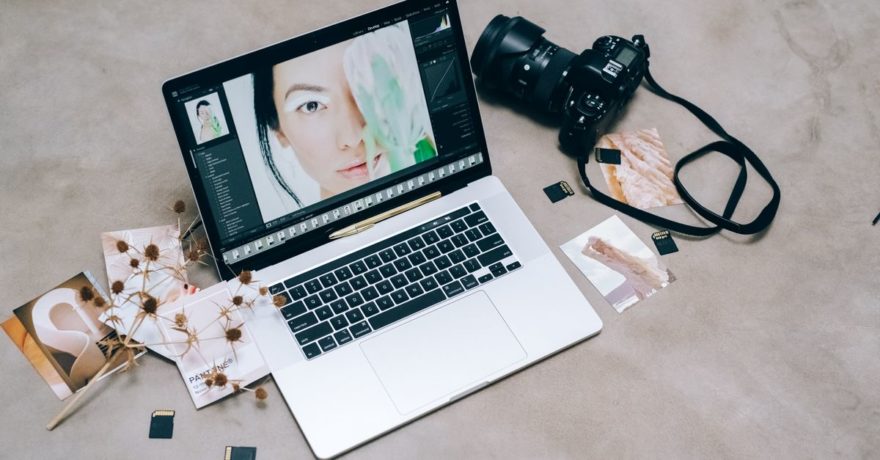
Many successful ad teams no longer treat product photography as an end product—they see it as the foundation for producing a complete, campaign-ready set of display ad creatives. With the right workflow, a single high-quality product photo can become the centerpiece of dozens of perfectly formatted ads, serving brand, performance, and seasonal campaigns across every major network and screen size. SizeIM stands at the forefront of making this process efficient, scalable, and consistent for agencies, designers, and marketers.
What Does It Mean to Turn Product Photography Into Ad Creatives?
Turning product photography into a full display ad set involves converting core product shots—usually on a neutral or transparent background—into all the ad formats required for modern digital campaigns. This transformation is more than cropping or resizing; it is the process of creating multiple compositions, message angles, and layout adaptations for various channels, while preserving brand consistency and maximizing creative impact.
Why Is This Transformational for Ad Campaigns?
The biggest challenge facing design and marketing teams is the volume and diversity of display ad formats needed per campaign. One-size-fits-all creative rarely works, because each network and device demands a different aspect ratio, hierarchy, and amount of messaging. By systematizing the conversion of product photos into an entire suite of ad variations, brands elevate their visual identity, unlock rapid campaign launches, and ensure that every placement is used to its full potential.
Definition: Product Photography-to-Ad Creative Workflow
This workflow refers to the methodical process of taking one or more high-resolution product images and, through both creative direction and automation, producing every display ad size, layout, and copy variation required for a campaign—without duplicating manual designer effort for each creative variant.
The Display Ad Creative Set: What to Build From One Product Photo
- Hero product shots for brand-first placements
- Lifestyle/Context shots for storytelling and engagement
- Problem-solution ads with direct messaging
- Promotional/Offer creatives for seasonal or sales pushes
- Social proof creatives with ratings and trust cues
- Comparison/Benefits creatives to illustrate outcomes
Framework: Step-by-Step Guide to Building a Complete Ad Set From Product Photography
1. Start With Pristine Product Assets
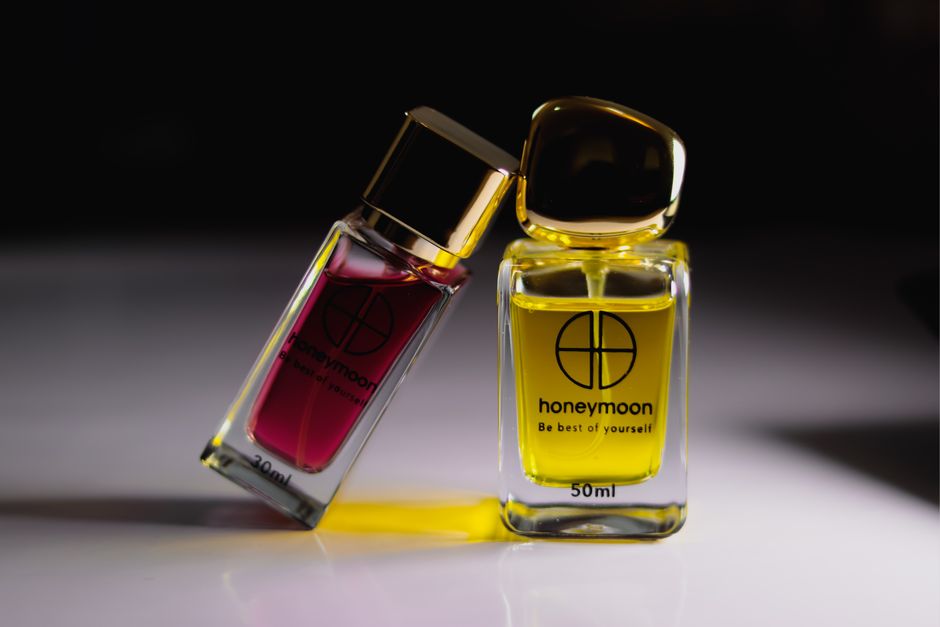
Source images must be sharp, accurately colored, and free from unwanted background clutter. Designers should remove distracting elements, and export both white-background and transparent-background versions to allow maximum flexibility.
2. Decide on Message Angles Before Designing
Identify the campaign’s core messages: outcome/benefit, pain point, demonstration, trust/credibility, and comparison. Map these angles early to ensure every visual adaptation aligns with a strategic goal.
3. Design a Master (Parent) Composition With Negative Space
Leave deliberate space for headlines, logos, and CTAs, so the design can be cleanly adapted into both wide (leaderboard) and tall (skyscraper) ad formats. Overcrowding the original shot leads to unreadable, cramped ads when resized.
4. Generate Multiple Visual Directions From the Core Image
Go beyond a single “studio” style—produce versions that introduce different backgrounds, props, or contexts (e.g., lifestyle, premium minimal, social proof overlays). Each variant supports different campaign objectives and target segments.
5. Resize and Rearrange for Every Required Placement
Build out the complete display ad matrix: 300×250, 336×280, 728×90, 970×250, 300×600, 160×600, 320×50, 320×100, and if social is included, 1080×1080, 1080×1350, 1080×1920, and so on. Each variant should maintain hierarchy and legibility specific to that format. This is where SizeIM delivers unmatched value, automatically resizing and adapting master designs to fit every display ad requirement—without manual layout recreation or loss of branding consistency.
6. Layer Copy and CTA Variations for Testing
Develop a matrix of headlines, CTA button styles, and value propositions. This allows creative testing at scale without overhaul. For example, three headlines, two CTA styles, two value props, and two background variants can combine to produce dozens of data-driven ad creatives from a single source image.
7. Comprehensive Creative QA
- Is the product immediately recognizable?
- Does the design survive cropping or variable aspect ratios?
- Is text readable at the smallest size?
- Are brand colors and logos consistent across every size?
- Does the design meet the safe zones and file size requirements for each network?
Best Practices for Transforming Product Photography Into Ad Creative Sets
- Design for the smallest format first (e.g., 320×50), then expand upward to preserve messaging clarity.
- Keep messaging brief on compact banners; lean on strong visuals when space is at a premium.
- Use larger product elements for mobile and small placements—tiny product photos lose impact.
- Deploy lifestyle and story-rich visuals on large placements (e.g., 970×250) for more engagement.
- Establish reusable brand kit standards (logo, color, font) to lock in visual consistency with every resize. Explore more brand kit advice here.
- Produce at least four to six distinct looks or angles before campaign launch to accelerate creative learning and optimization.
What Makes This Approach So Effective for Agencies and Brands?
By systematizing the process, teams avoid the traditional bottleneck of manual design for every ad size—no more rebuilding the same layout dozens of times. Efficiency increases, design feedback loops shrink, and brand consistency improves across all channels. With SizeIM, users experience streamlined workflows: pick a template, define a brand, choose the sizes, add content, fine-tune, and export all required creatives in minutes, not days.
Common Mistakes to Avoid
- Using cluttered images as the base asset (hurts clarity and resizing)
- Neglecting the required ad sizes beyond the hero design
- Overfitting long copy into undersized banners
- Ignoring network cropping or not leaving safe space for UI overlays
- Only testing visual tweaks, never adjusting message angles
- Allowing color, hierarchy, or font drift across variants
Example Workflow: One Product Photo, Six Ad Styles
- Ad 1: Clean product on white with benefit headline
- Ad 2: Product in use within a lifestyle scene
- Ad 3: Fitness or outdoors angle with motivational copy
- Ad 4: Comparison to generics or outdated solutions
- Ad 5: Seasonal offer overlay (e.g., holiday discount)
- Ad 6: Trust message with reviews or endorsements

Each of these can then be automatically generated into the required standard and custom ad formats by using a platform like SizeIM, keeping creative teams focused on strategy and copy rather than mechanical resizing tasks.
How SizeIM Powers This Workflow
- Automated resizing for every major ad network and placement
- Centralized brand kit management to lock in visual standards
- Template libraries for accelerated creative ideation
- User role assignment and project limits ideal for agencies or enterprises scaling creative output
- Responsive design foundation prevents loss of quality across aspect ratios or device resolutions
The result: agencies and teams can multiply their campaign coverage, reduce revision cycles, and consistently deliver creatives that support every touchpoint.
FAQ: Turning Product Photography Into Display Ad Creatives
How do I prepare my product photo for display ad design?
Start with a high-resolution image, remove distracting backgrounds, and make sure the product is color-accurate and sharply defined. Consider exporting versions with both white and transparent backgrounds to support flexibility in design.
Why can’t I use the same product image in every ad format?
Each display ad size has its own aspect ratio, space constraints, and attention patterns. Layout, copy, and even the scale of the product need to be adapted for effectiveness and legibility. Automated resizing via SizeIM ensures each format is both visually strong and brand-compliant.
How can I maintain brand consistency when building so many ad variants?
Use a platform that supports brand kit management—centralizing color palettes, logos, and fonts. This ensures that every exported creative, regardless of size or format, always reflects your pre-set standards. Read more about using brand kits here.
What’s the best way to test ad creative variations efficiently?
Build a testing matrix from your core product image: rotate headlines, CTAs, backgrounds, and value props to create controlled variants. This lets you test message-market fit quickly—without additional photoshoots or manual creative work.
How does SizeIM help agencies and enterprises with this workflow?
By automating complex resizing and layout adjustments, enabling brand control at scale, and centralizing creative assets, SizeIM empowers teams to maximize the impact of every product photo with minimal manual effort—and helps agencies handle more campaigns without more headcount.
Conclusion
Transforming product photography into a full display ad creative set is not a luxury but an essential workflow for any modern brand or agency. It improves speed, consistency, and campaign coverage, while freeing up time for creative testing and optimization. Platforms like SizeIM are purpose-built to make this transition effortless, helping marketing and design teams turn every core product photo into a powerful multi-channel ad campaign at scale. If your goal is to produce more, faster—and to never exclude a valuable ad placement again—embracing this workflow is the new standard.
